

Pen, paper, brush, and paint are the traditional tools of an artist. But these days, it’s essential that an artist has a great laptop.
Here’s my guide to the best laptop for artists and the best desktop replacement laptop. First, I’ll go over the vital factors that the best laptop for digital art should offer.
Then, we’ll get onto my recommendations of the best laptops out there right now!
Top Laptops for Artists

- Aspect Ratio:3:2
- The most powerful Surface Laptop. Quad-core powered 11th Gen Intel Core H Series processors handle your most complex workloads.
- Boundary-pushing design with sleek 14.4“ (5) touchscreen makes seamless transitions from laptop to entertainment-ready stage to portable creative canvas.
- Pair with Surface Slim Pen 2 for the best digital pen experience yet, featuring the feeling of pen on paper(7). Magnetically attach, store, and charge under the front of the keyboard.
- Enjoy uniform, true-to-life color and contrast on the beautiful 14.4”(5) PixelSense Flow touch display. Experience smoother scrolling with a refresh rate up to 120Hz.
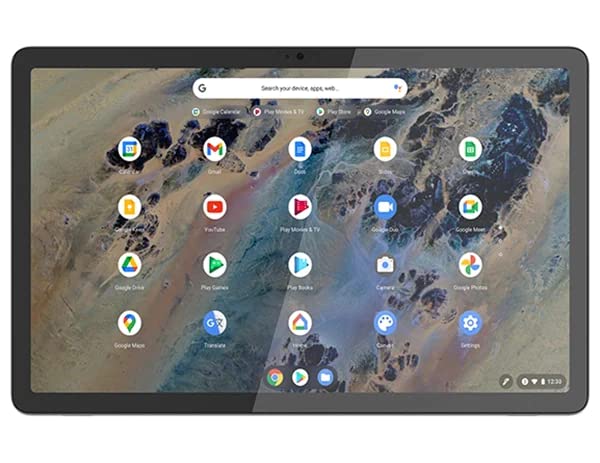
- Processor Snapdragon 7c Gen 2 compute platform (8x Kryo 468 CPU, up to 2.55 GHz)
- Memory 8 GB LPDDR4X-2133MHz (Soldered)
- Storage 128 GB eMMC
- Display 10.95" 2K (2000 x 1200), IPS, Glare, Touch, 70.8%NTSC, 400 nits, 60Hz
- Pen Lenovo Digital Pen Keyboard Traditional, Storm Grey - English (US)

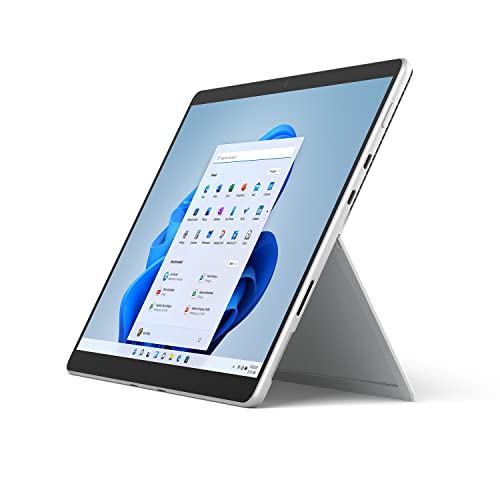
- The power of a laptop with the flexibility of a tablet, and every angle in between, with 13 inch touchscreen, iconic built-in Kickstand, and detachable Keyboard.
- Windows 11 brings your closer to what you love. Family, friends, obsessions, music, creations — Windows 11 is the one place for it all. With a fresh new feel and tools that make it easier to be efficient, it has what you need for whatever’s next.
- The first Surface Pro built on the Intel Evo platform. Do it all with the Intel Evo platform — performance, graphics, and battery life in a thin and light PC.
- The best pen experience on Pro with rechargeable Surface Slim Pen 2 and Surface Pro 8, for the natural feeling of pen on paper,(4) securely stored in Surface Pro Signature Keyboard.
- Type in comfort. Sleek and compact, Surface Signature Keyboard performs like a traditional laptop keyboard complete with a full function row and backlit keys.

- Aspect Ratio:16:10
- LIGHTWEIGHT 2-in-1 DESIGN At just under 3 pounds, the Chromebook Plus is incredibly lightweight. You can easily fold it into tablet mode for comfortable viewing and browsing
- BUILT-IN PEN Experience the power of the incredibly precise built-in pen that never needs charging. It's always ready to write, sketch, edit, magnify and even take screenshots
- DUAL CAMERA Fold your laptop into tablet mode to capture clear shots and even zoom in for a closer look with the revolutionary 13MP world-facing camera with autofocus
- CHROME OS AND GOOGLE PLAY STORE Create, explore and browse on a bigger screen with the tools you use every day —all on the secure Chrome OS

- Aspect Ratio: 3:2
- 10th Generation Intel Core i7-1065G7 Processor (Up to 3. 9GHz) 16GB LPDDR4X Memory 512GB PCIe NVMe SSD
- 13.5" Acer VertiView 2K 2256 x 1504 Widescreen IPS LED-backlit Touch Display (3:2 aspect ratio) Intel Iris Plus Graphics
- Intel Wireless Wi-Fi 6 AX201 802. 11ax Backlit Keyboard fingerprint reader up to 15 hours battery life
- 2 - USB 3. 1 Type C port supporting USB 3. 1 Gen 2 (up to 10 Gbps), DisplayPort over USB-C, Thunderbolt 3, USB Charging, DC-in, 2 - USB 3. 2 Gen 1 port (one featuring power-off charging) & 1 - HDMI 2. 0 port
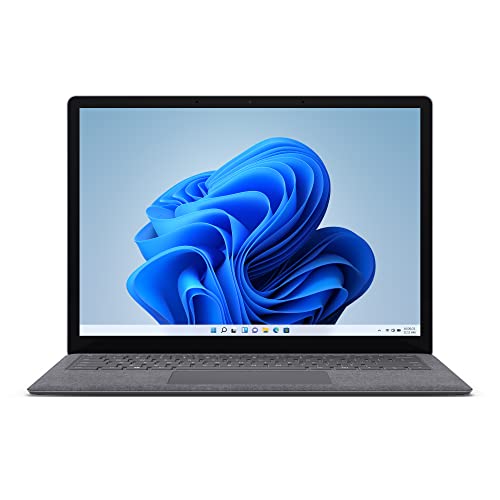
- Power to do what you want with up to 70% more speed and multitasking power than before and exclusive AMD Ryzen Microsoft Surface Edition processor.
- Thin, light, elegant design in choice of two sizes: light, portable 13.5” or larger 15” that’s perfect for split-screen multitasking.
- Show your best side on video calls with sharp video and image quality, even in low light, thanks to a front-facing 720p HD camera.
- Enjoy theater-like sound for movies and shows with Omnisonic Speakers backed by immersive Dolby Atmos6.
- Be heard loud and clear on calls with dual far-field Studio Mics that capture your voice and reduce background noise.
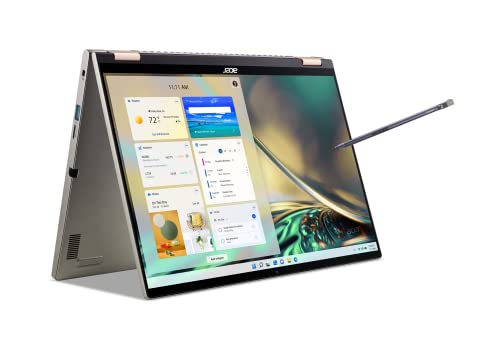
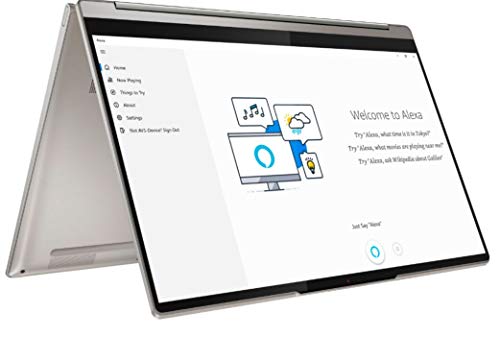
- A True Intel Evo Experience: Built on the Intel Evo platform for high standards in performance and battery life. Featuring the latest 12th Gen Intel Core i7-1260P Processor and Intel Iris Xe Graphics to accelerate your editing needs.
- A True Visual Representation: See your innovation in glorious detail on the sharp, 16:10 2560 x 1600 touchscreen display with low-blue-light TÜV certification. See more action and less distraction with the 88% screen-to-body ratio. And quickly switch between usage modes with the 360° hinge design
- Precision Stylus: The Acer Active Stylus with Wacom AES 2.0 delivers engineered precision with 4,096 pressure levels, perfect for note-taking and visualizing new concepts. And the 266Hz report rate means less latency for life-like input.
- Keep Your Cool: The TwinAir system is designed with Vortex Flow architecture which increases system performance by up to 75%. Dual D6 copper heat pipes help maintain optimal temperature for the best performance experience.
- Internal Specifications: 16GB LPDDR5 memory, 1TB PCIe Gen4 SSD and microSD Card Reader to store your files and media
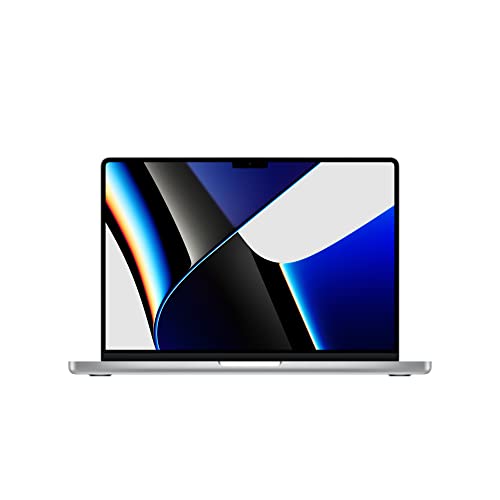
- Apple M1 Pro or M1 Max chip for a massive leap in CPU, GPU, and machine learning performance
- Up to 10-core CPU delivers up to 3.7x faster performance to fly through pro workflows quicker than ever
- Up to 32-core GPU with up to 13x faster performance for graphics-intensive apps and games
- 16-core Neural Engine for up to 11x faster machine learning performance
- Longer battery life, up to 17 hours
What to Look for When Choosing the Best Laptop for Artist?
If you’re an artist, not just any laptop will do. You need a powerful laptop that can handle graphics programs.
But it also needs to provide you with advanced editing capability. It’s essential to create high-quality, detailed art.
Narrowing down all the options on the market can be overwhelming. That’s why I’ve created this guide to help you find the best laptop for your needs.
Here are the factors to look out for when choosing an excellent laptop!
Large, High-Resolution Screen
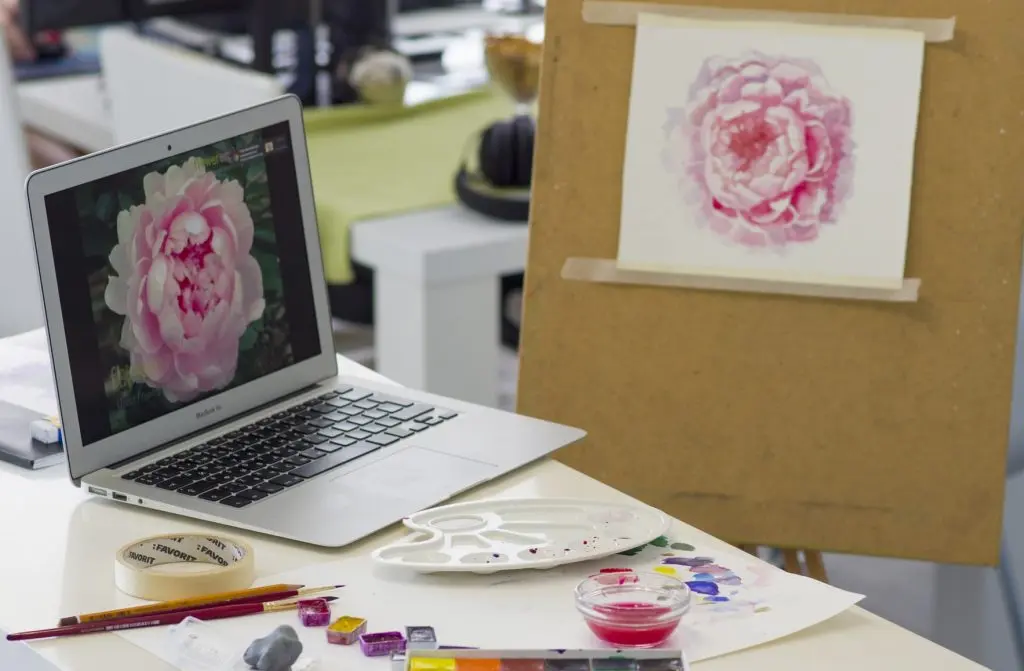
You need as big a screen as possible to see your full designs for drawing. The resolution and contrast are also important. That’s so that the colors and details are as vibrant and crisp as possible.
Powerful Graphics Card
A powerful graphics card is essential for artists. Don’t skimp on the graphics, or you’ll regret it.
Performance
You want a system that can run several programs without lagging or crashing. That’s why it’s important to focus on a powerful processor that can keep up with you.
It’s no fun to keep waiting when you’re trying to channel your creativity.
Portable
If you like to travel often or work from anywhere, go for a lightweight, portable laptop. Think about whether you want a laptop with a rotatable screen so it can double up as a drawing tablet.
Long Battery Life
You don’t want to keep looking for outlets to charge your laptop when you’re on the go. Double-check the battery life of the model you choose, so you know it can last at least 10 hours on a full charge.
The Wrap Up
There you have the best laptops around right now for artists. You can pick out the model that best fits your needs and budget.
Any of these laptops would be perfect for an artist who likes to draw and create digital art! If you have any questions or comments, drop them below, and I’ll reply ASAP!
So, invest in a laptop for yourself today. It will open up lots of new creative opportunities for you!
Don’t forget to sign up for the Proactive Creative Newsletter. I’ll keep you updated with the best articles for creative professionals!
This post contains affiliate links. Proactive Creative may receive a small commission at no additional cost to you if you make a purchase.




Hello, I was wondering if you had to choose one of laptops you have featured. Which would you choose. My daughters are looking to pursue a career in animation. I want to buy them something they can use to draw, animate and be creative. I also, want them to be able to use it for school as they will enter college next year. I’m not worried about price. I want something they can grow with and enjoy. Thank you again.
Hi Malvin,
Thanks for your comment!
I would choose the Asus ZenBook. I invite you to check out this new article where you can find more reviews and options: https://proactivecreative.com/desktop-replacement-laptops/
Good luck
Does the Asus zenbook pro dou have the ability to run 3d modeling programs
Thanks
Hello,
I really appreciate your article, explanation and suggestion for artists. I am looking into transitioning from hands on to electronic for display and remote sharing and receiving art work to then encorperate to glass. I personally do not do most detail drawing but would need to see clean lines, and have conference at Sametime views of artists wors and colors. I never had a computer and am looking at laptops touch may be helpful? . Yet need abilities to see flip and curve views. Can you suggest weather it be touch or not a simple yet capable device . Preferably not apple????. SINCERELY V
Hi V,
Thank you for your comment.
I would go for a laptop with a touch screen.
Good luck.
Regards,
Hello, I am after the best laptop or tablet for digitising my artwork, I currently still hand draw everything but having trouble getting my artwork into prints, only been taking photos so far. Someone suggested scanning my artwork into a computer and going from there. This is all new to me so any advice much appreciated. Thanks lucy.
Hello Lucy,
Your question is perfectly timed (and serendipitous). I am preparing the next article on “How to make art prints”. I will let you know as soon as I publish it.
[Update]
As promised, here is the ” how to make art prints” article: https://proactivecreative.com/how-to-make-art-prints/
Good luck
Hi!
Thank you for your reviews. I am an illustrator and am considering getting the Zenbook Duo Pro. However, I saw in another review that it’s hard to draw straight lines and that they get wobbly.
Another thing that makes me doubt is drawing on the 2nd screen. It seems a bit uncomfortable to draw while trying to avoid touching the keyboard. The double screen seems great to put the Photoshop toolbox or reference images, but might be a bit uncomfortable to draw on for a few hours straight.
I tried to google if it’s possible to attach the ZenBook Duo Pro to a Wacom tablet in case I would want to take a break from drawing on the 2nd screen and rather use my Wacom tablet. Do you know if that’s possible? I can’t find the answer anywhere.
Thank you in advance!
Tamara
Hi Tamara,
You’re welcome. Of course, you can connect the ZenBook Duo Pro with a graphic tablet.
Good luck
Thank you for your quick reply!
You’re welcome!
Hi!
Thanks for this great article! It really narrows down my choices. I have a few questions. One is about the MS Surface Pro 4. Is there a reason you recommend this version rather than the one with I7 technology?
With your top choice being the Asus Zenbook, I’m assuming that it can easily produce documents as well?
Also, the other laptop I’m considering is the Mac Airbook Pro with MI chip technology. Would this only be a mediocre selection?
I’m looking to get back into artwork after years of a break but I also need to be able to produce documentation for a possible book I’m considering writing.
Thank you so much!
Esthere